
MyGiving Brand Guidelines
Imagery & Photography
Intimate, specific, and unstaged.
Photography Direction
ConfirmedThree registers, not two, once the raw export folder is in the mix. Split by whose moment is on screen, and by who the photography is actually for.
The donor’s own moment: usually candid, occasionally to camera
Three of the raw frames, a household living room at night, a young woman in a mint hoodie, a barber checking his phone, share the same cast and the same production, a single commissioned shoot rather than three separate ones. A woman on a balcony at night sits in the same folder, unused in anything shipped so far but matching the mood exactly. A man praying alone in low sun is also from this folder, and does turn up shipped, see Treatment. Most subjects in this register never address the camera, a real social reel breaks that pattern deliberately, see the correction below.
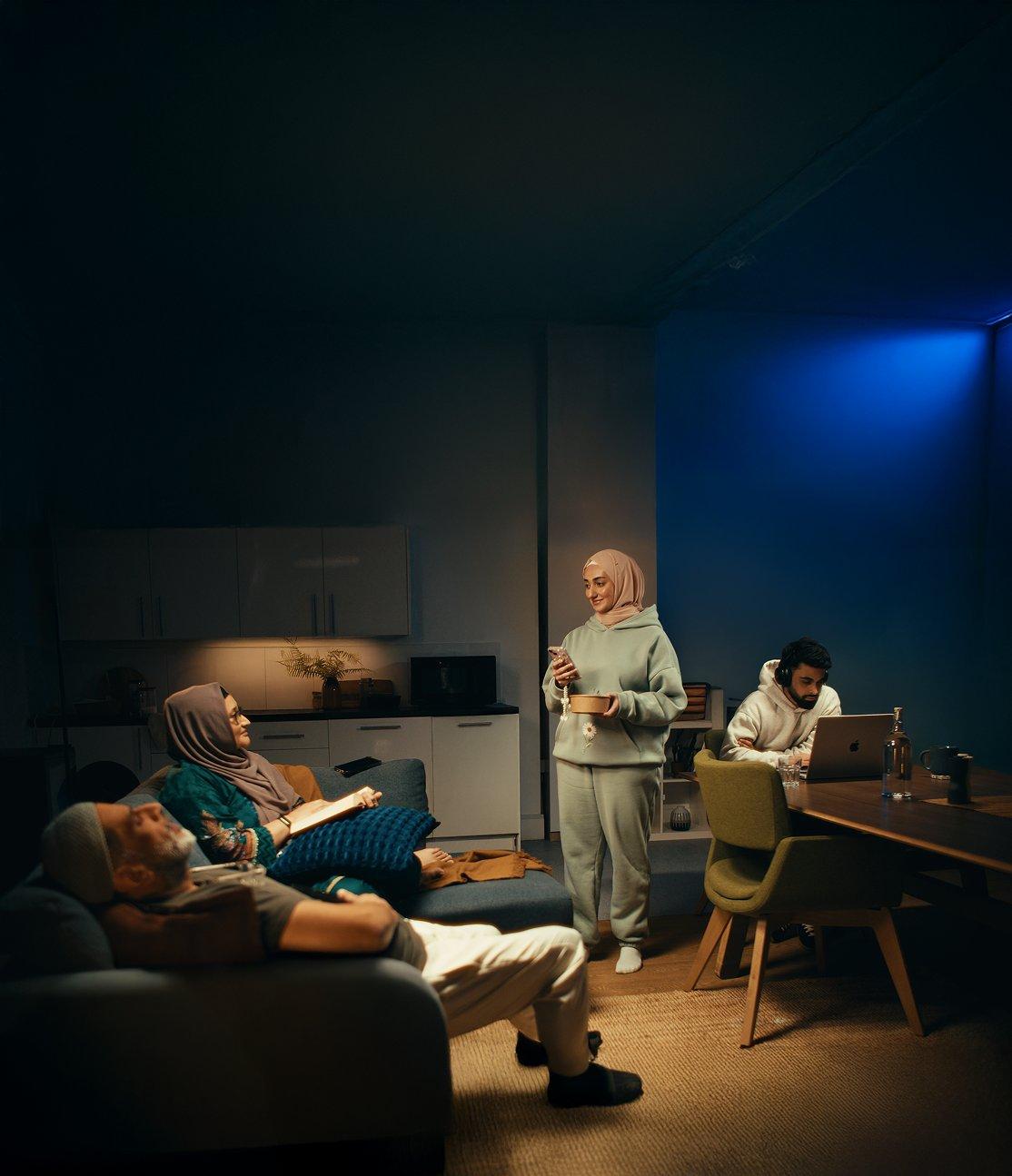
Raw export, household shoot
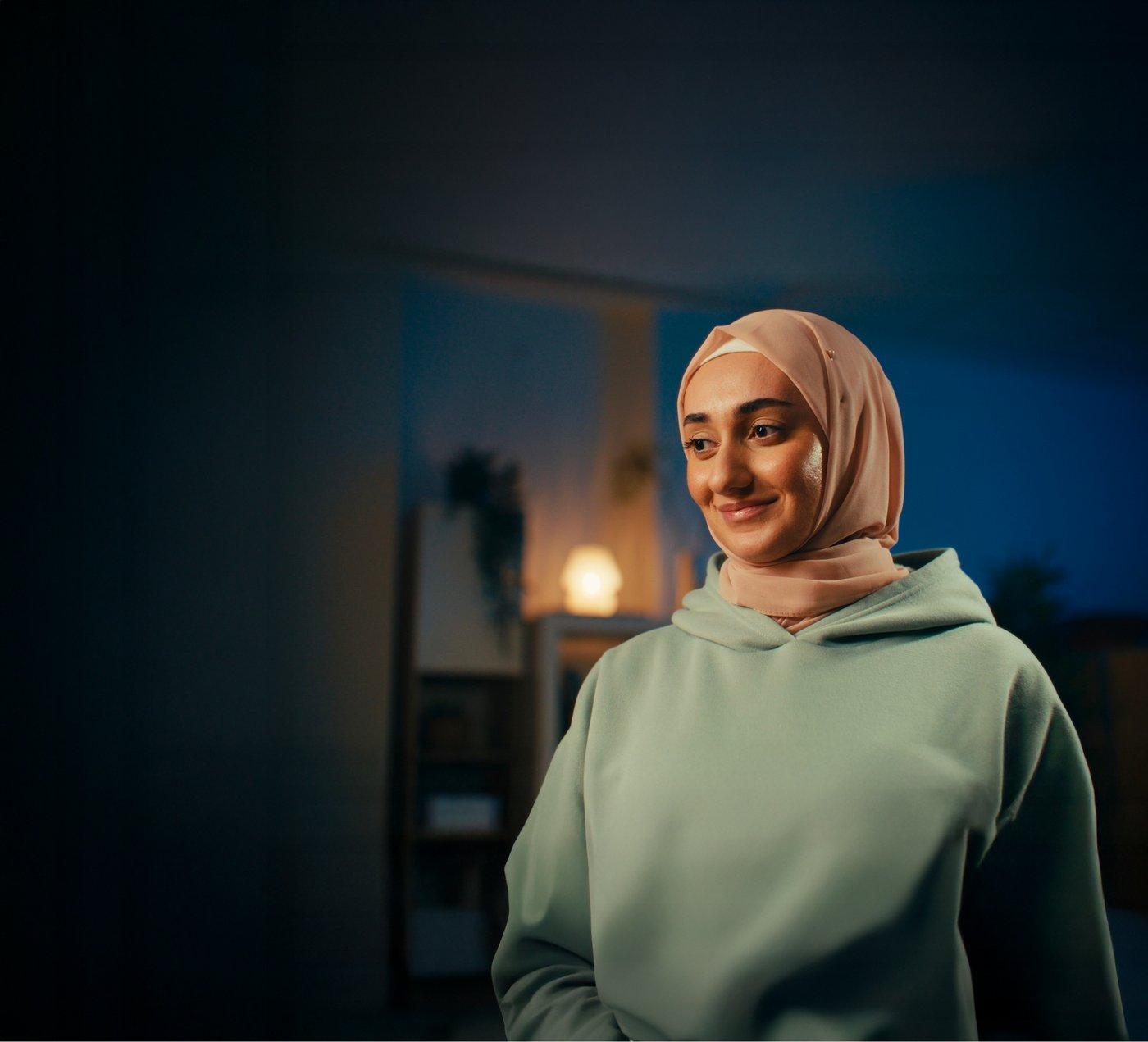
Raw export, same shoot

Raw export, unedited
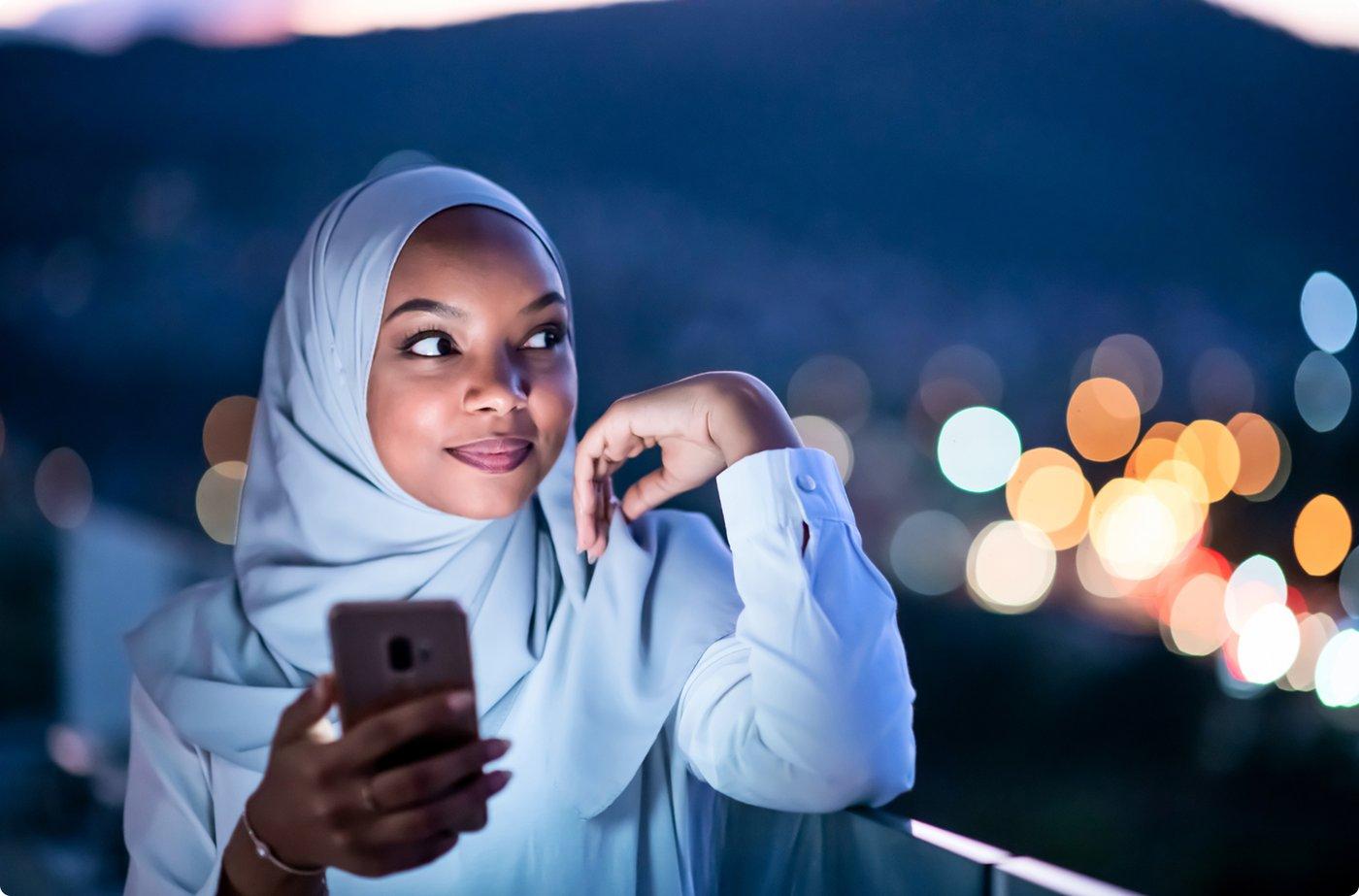
Raw export, unused so far
A correction, from a real social reel
Open, proposedAn earlier pass on this page called this register “never to camera,” a rule stated too strongly from a small sample. One of MyGiving’s own social reels, “For Every Giving Moment,” shows three women looking straight at the lens, smiling, inside the same quarter-arc crop used everywhere else in this register. Looking at camera isn’t reserved for the community-portrait register alone, it’s allowed here too, just less common than the candid default. Full context on Motion → Principles.
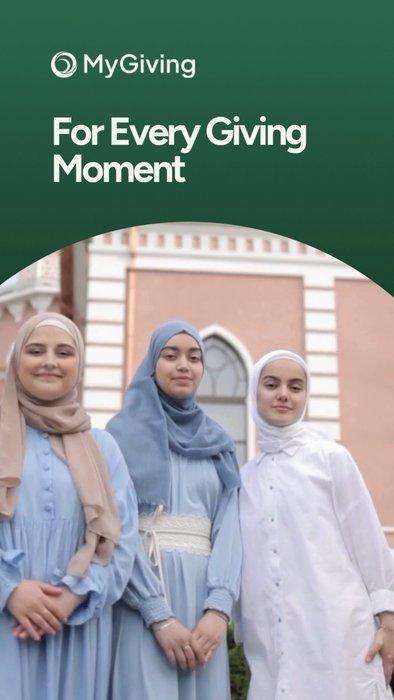
Reel still, to camera
Real impact: undoctored, dignity first
Seven of the seventeen raw frames are field photography, a named charity’s aid worker, a medical tent, an earthquake response, children at a water pump, none of it staged, none of it colour-treated. Confirms the line already documented on Applications → Social & Ads: “restraint holds even under real-world pressure.”
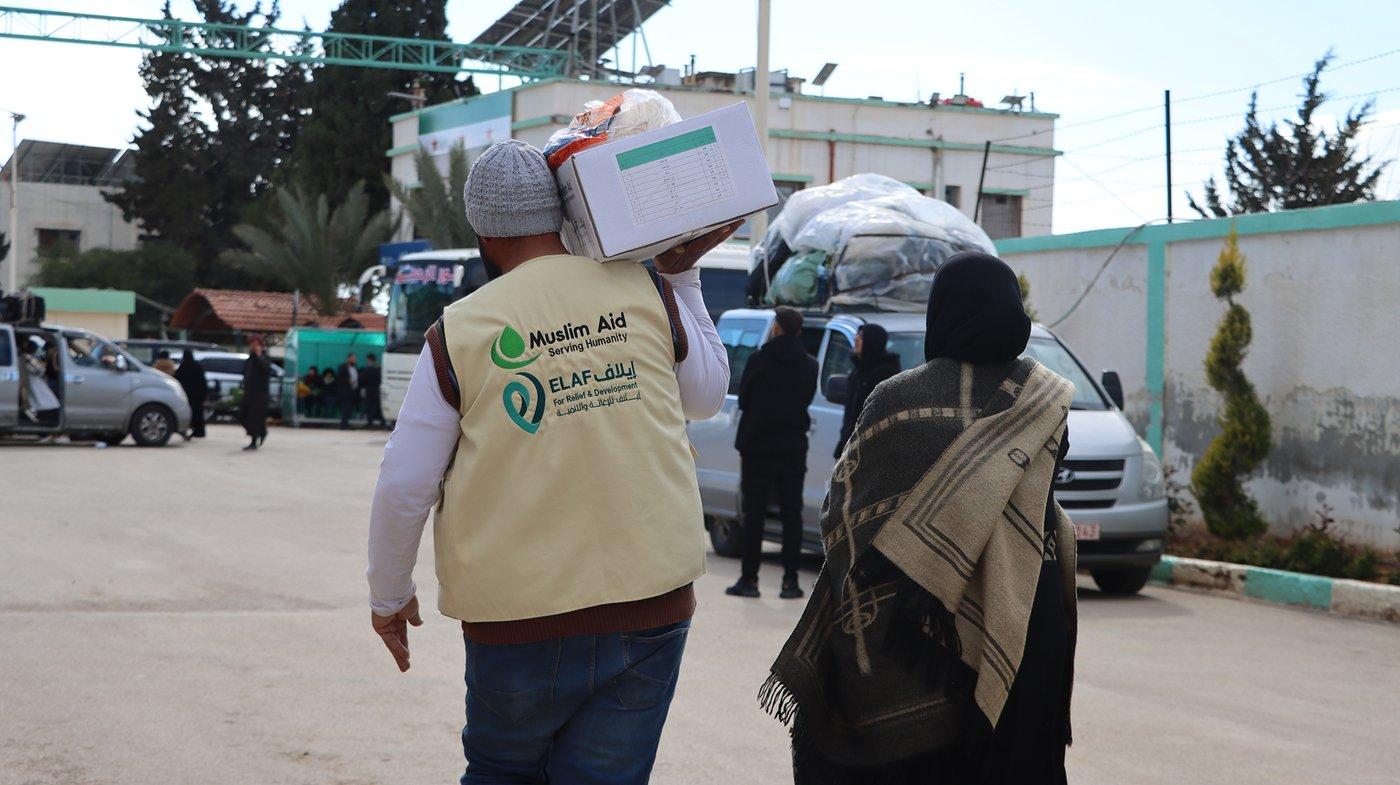
Muslim Aid, field distribution
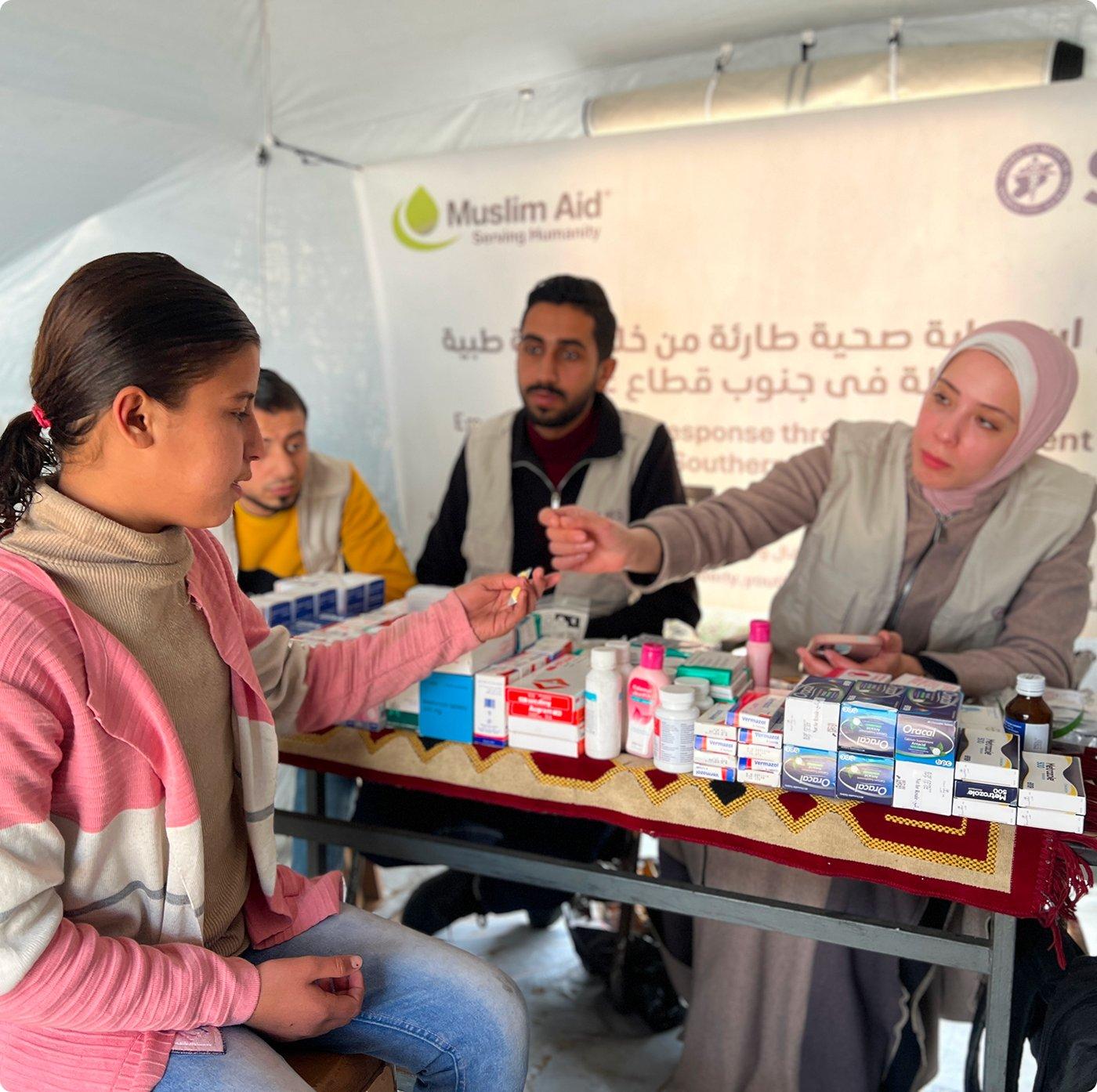
Muslim Aid, medical tent
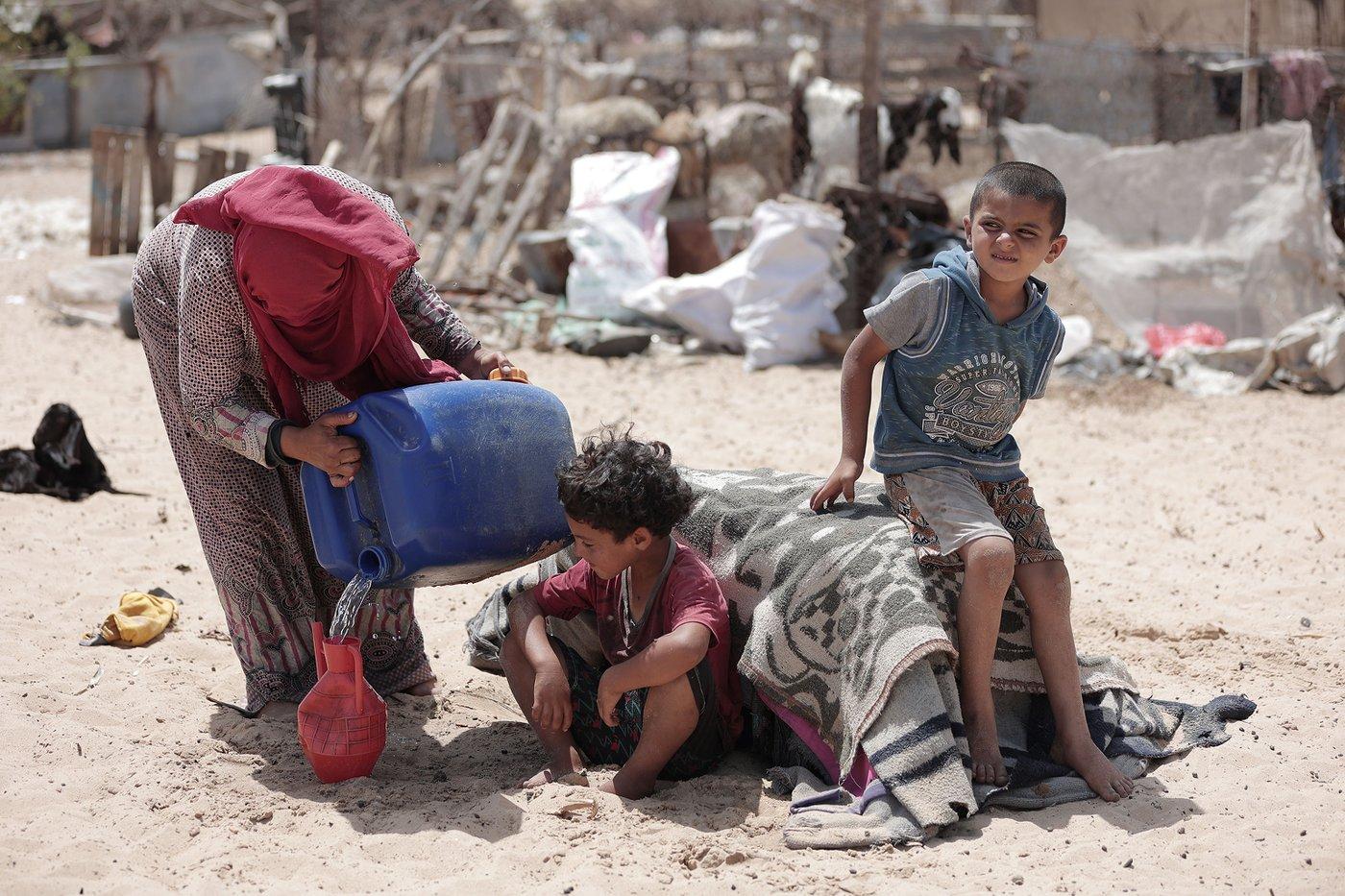
Documentary, water access
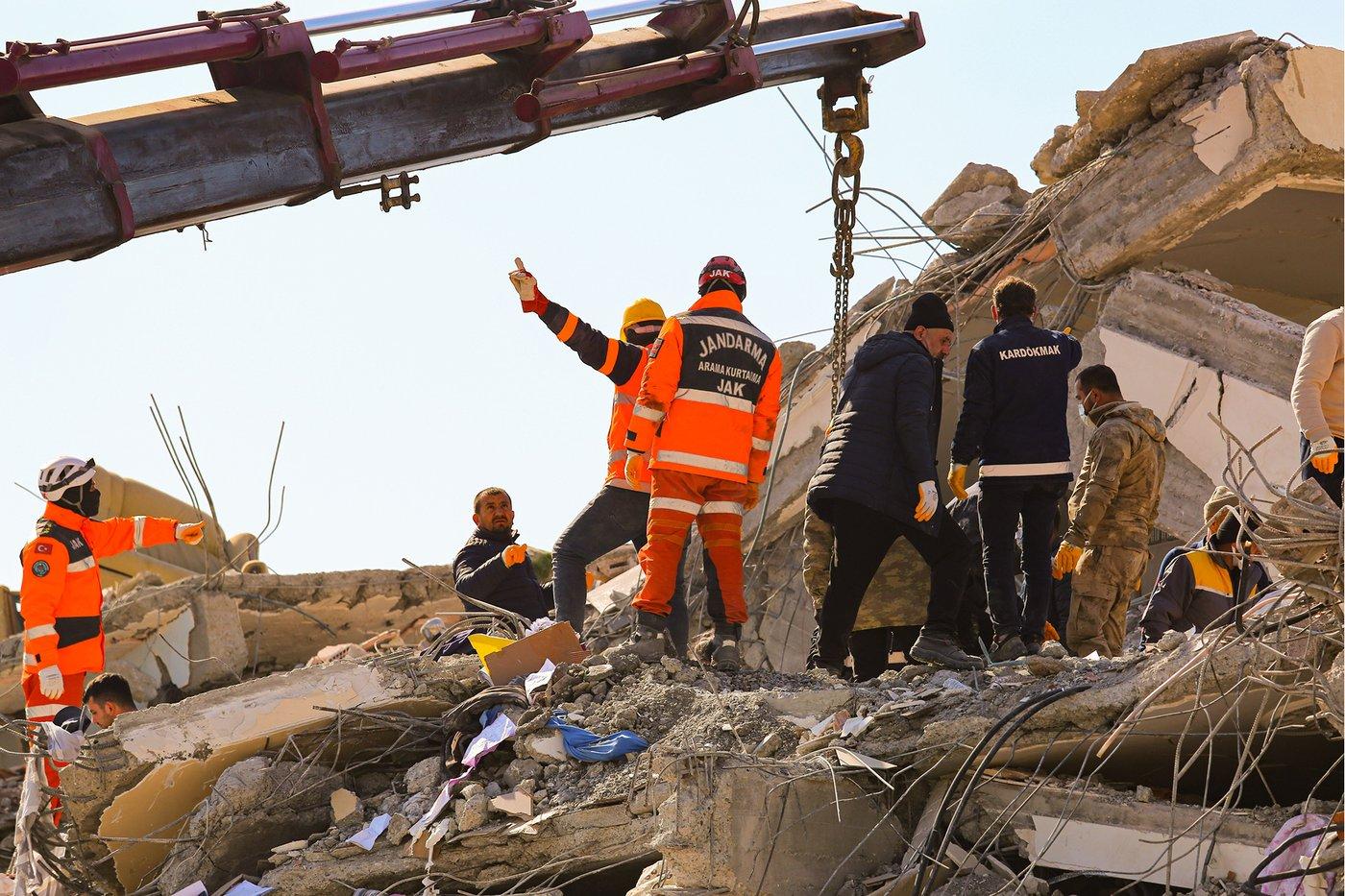
Documentary, disaster response
Community & individual portraits, looking at camera
A third pipeline, confirmed now rather than a one-off guess. Three raw frames are isolated individual portraits on a plain background, no scene, no environment, clearly cut for compositing rather than for standing alone. That matches the invite-a-friend community card exactly, three real portraits arranged into the mark’s fan shape on a pine background. This is the one register where the subject looks straight at the camera.
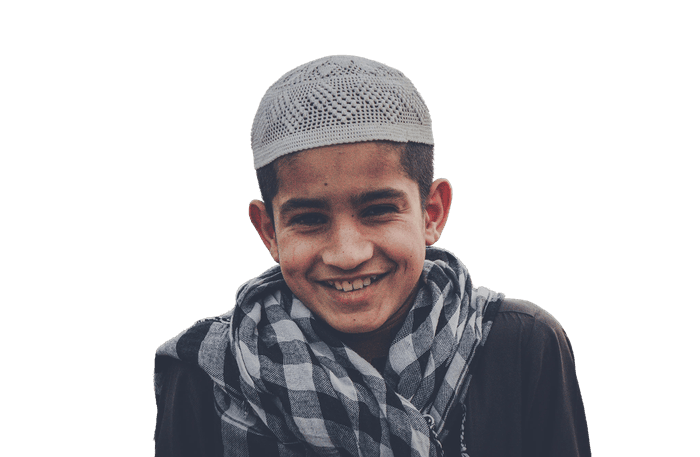
Raw cutout, talent
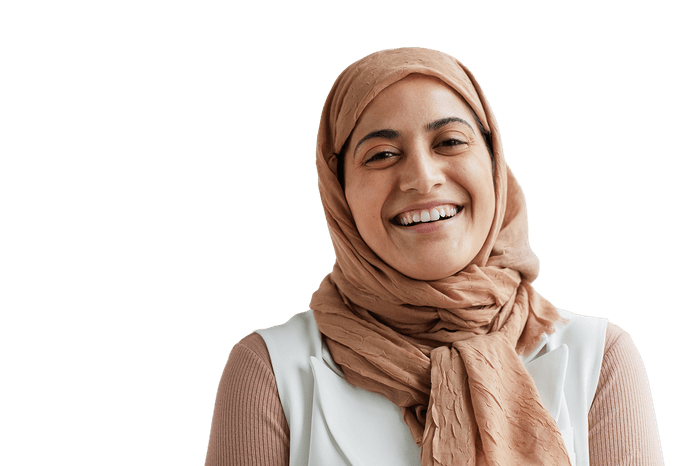
Raw cutout, talent
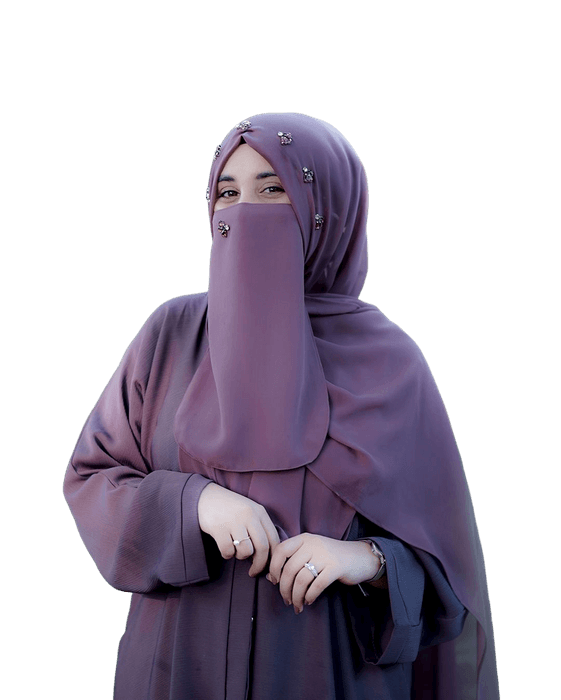
Raw cutout, talent
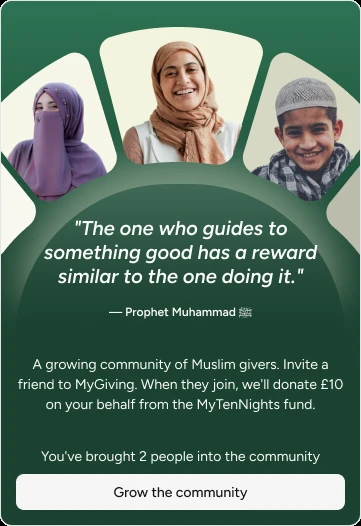
Shipped, composited
Treatment
ConfirmedThe “Coming Soon” card already proved one photo gets recoloured across spokes. The raw folder proves it a second way: two shipped ad photos are the exact same source frame, before any duotone or crop touched it.
One frame, two spokes
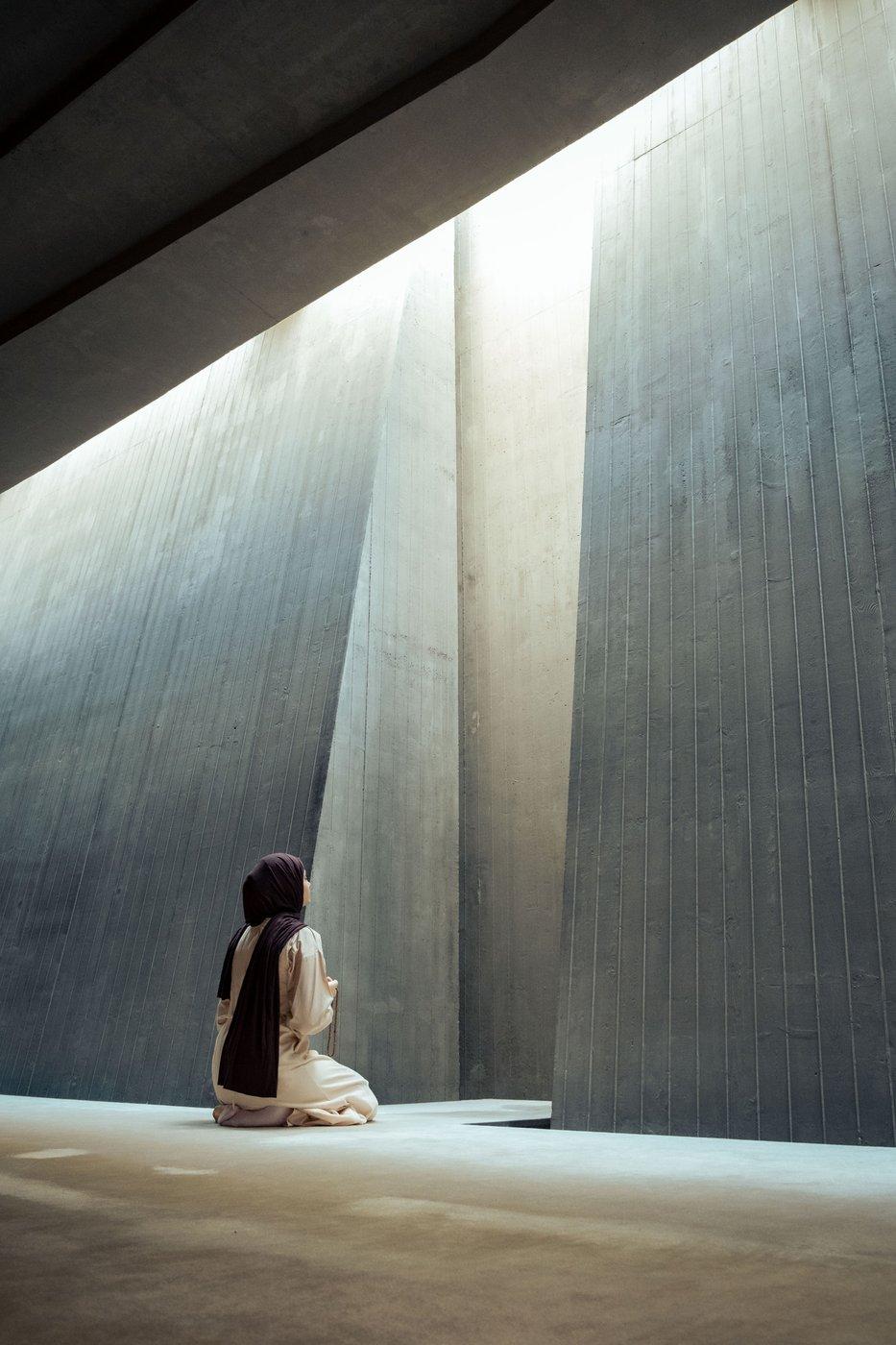
Raw, untreated
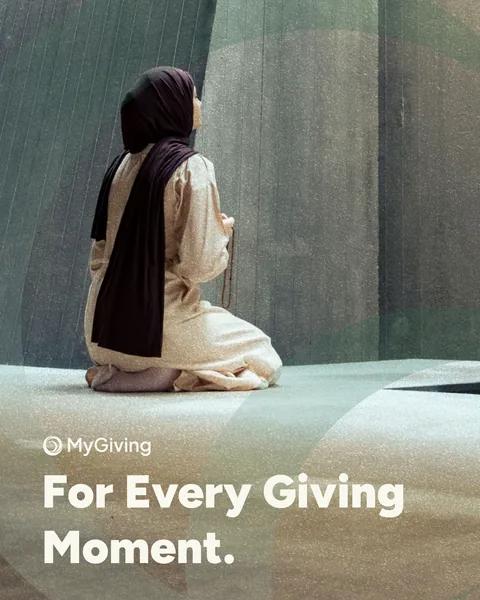
MyGiving, teal
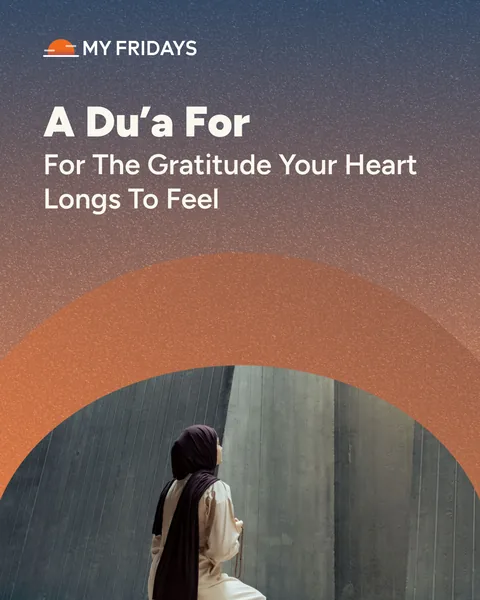
MyFridays, orange
Same kneeling pose, same concrete wall, same shaft of light, confirmed pixel for pixel against the raw export, not just a visual guess from the finished ad.
One frame, one spoke, a full mood shift
Raw, untreated
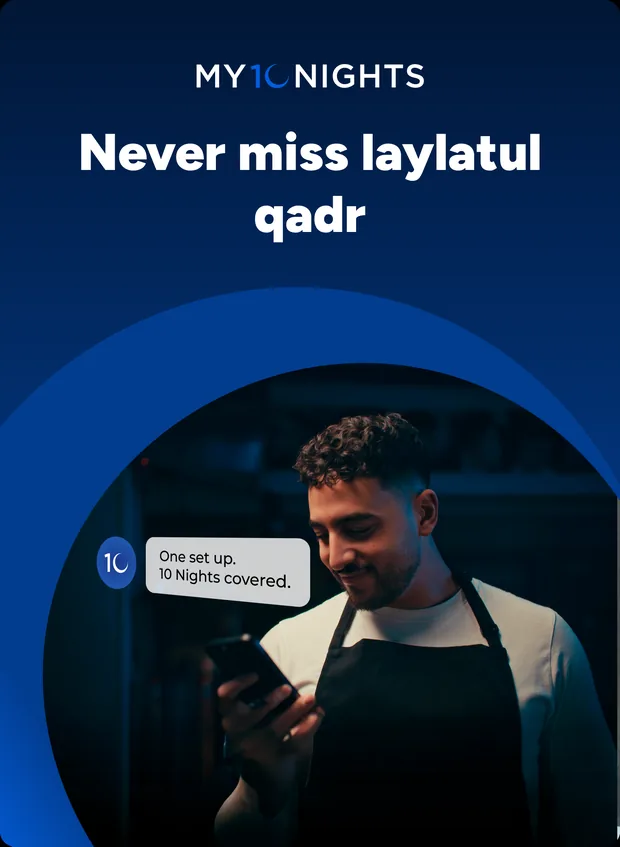
MyTenNights, blue
And the same recipe, three times over
The “Coming Soon” card, confirmed independently on UI Patterns → Components, recolours one mother-and-child photo three separate ways.
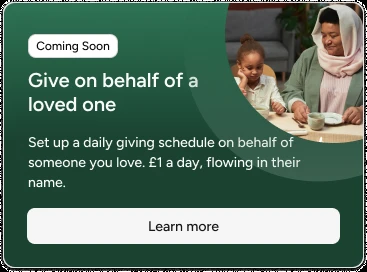
Pine recolour
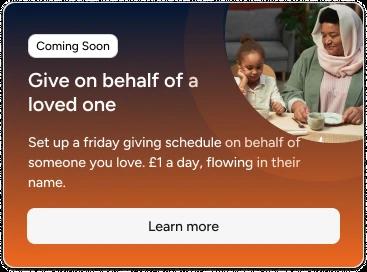
Orange recolour
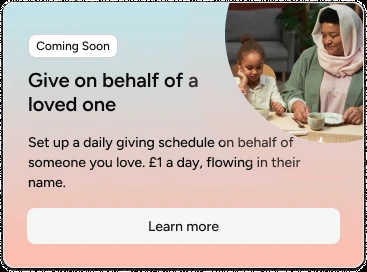
Pink recolour
Crop shapes echo the mark
Every donor-moment photo is masked into a circle or a single quarter-arc, never a straight rectangle, the same spiral geometry as the primary mark on Logo → Primary Mark. Real impact photography is the one exception, it stays a plain rectangle or a soft circle crop, no arc, no mark echo, in keeping with leaving it otherwise untouched.
Where the line is: duotone, crop mask, and recolour-per-spoke apply to the donor’s-own-moment register only. No export in this set ever applies them to a beneficiary or a named institution’s photography, that material stays real colour, real crop, untouched, regardless of spoke.
Two more raw frames, shipped straight, no recolour
Not every donor-moment photo gets the duotone-and-arc treatment above. The hospital scene shipped as a MyTenNights Instagram post and the sunset silhouette as a MyGiving post, both straight off the raw export.
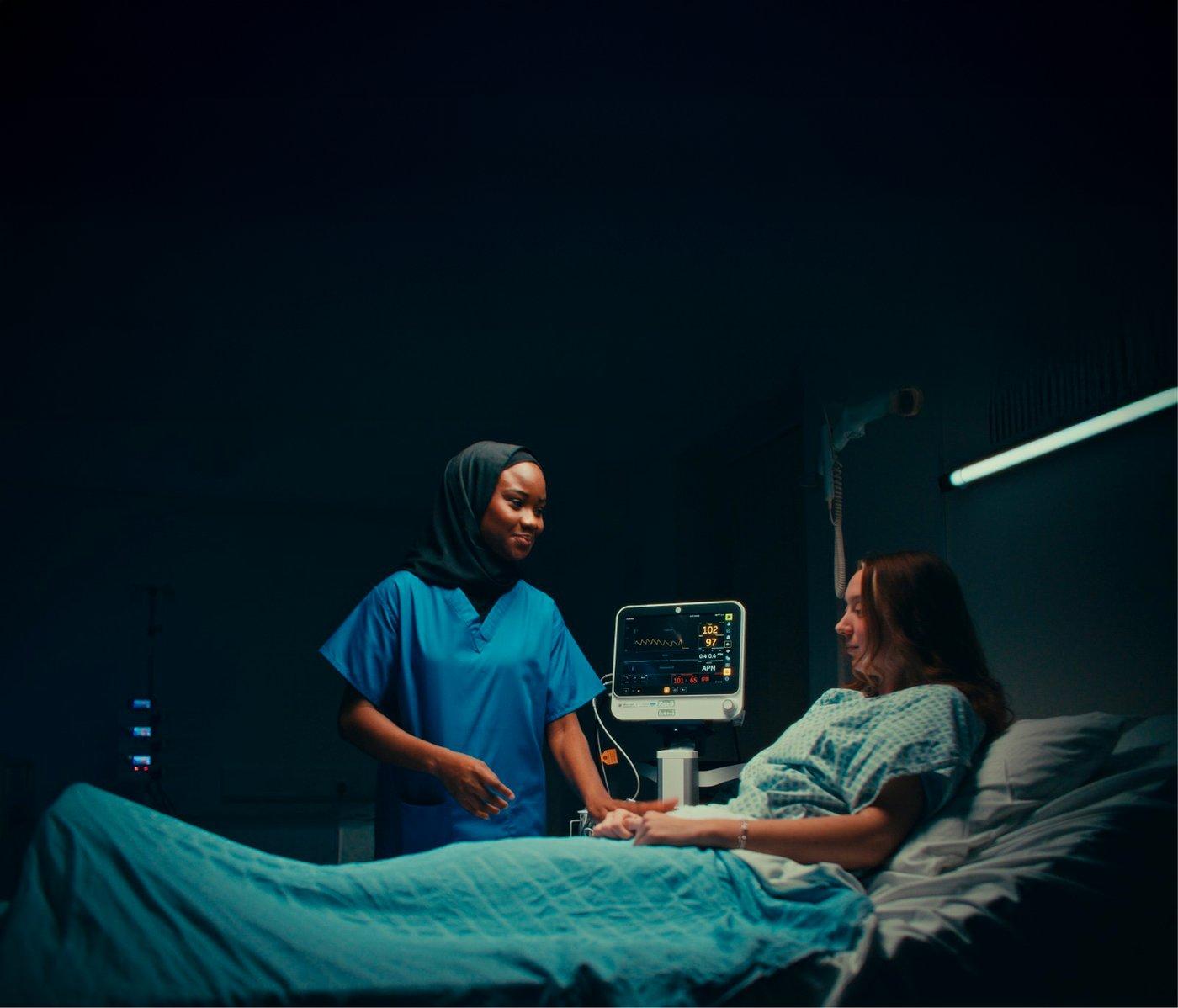
Raw export
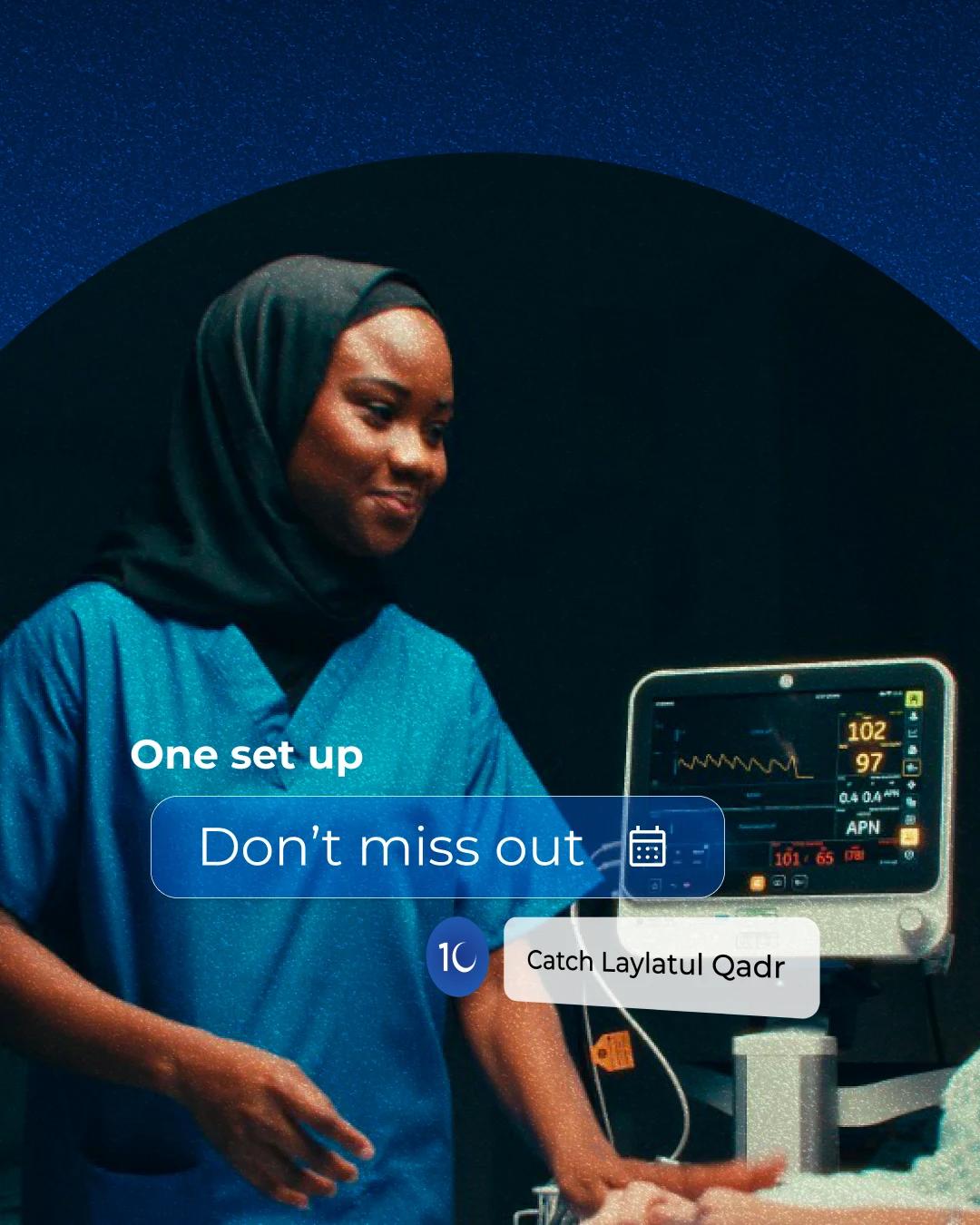
Shipped, MyTenNights post
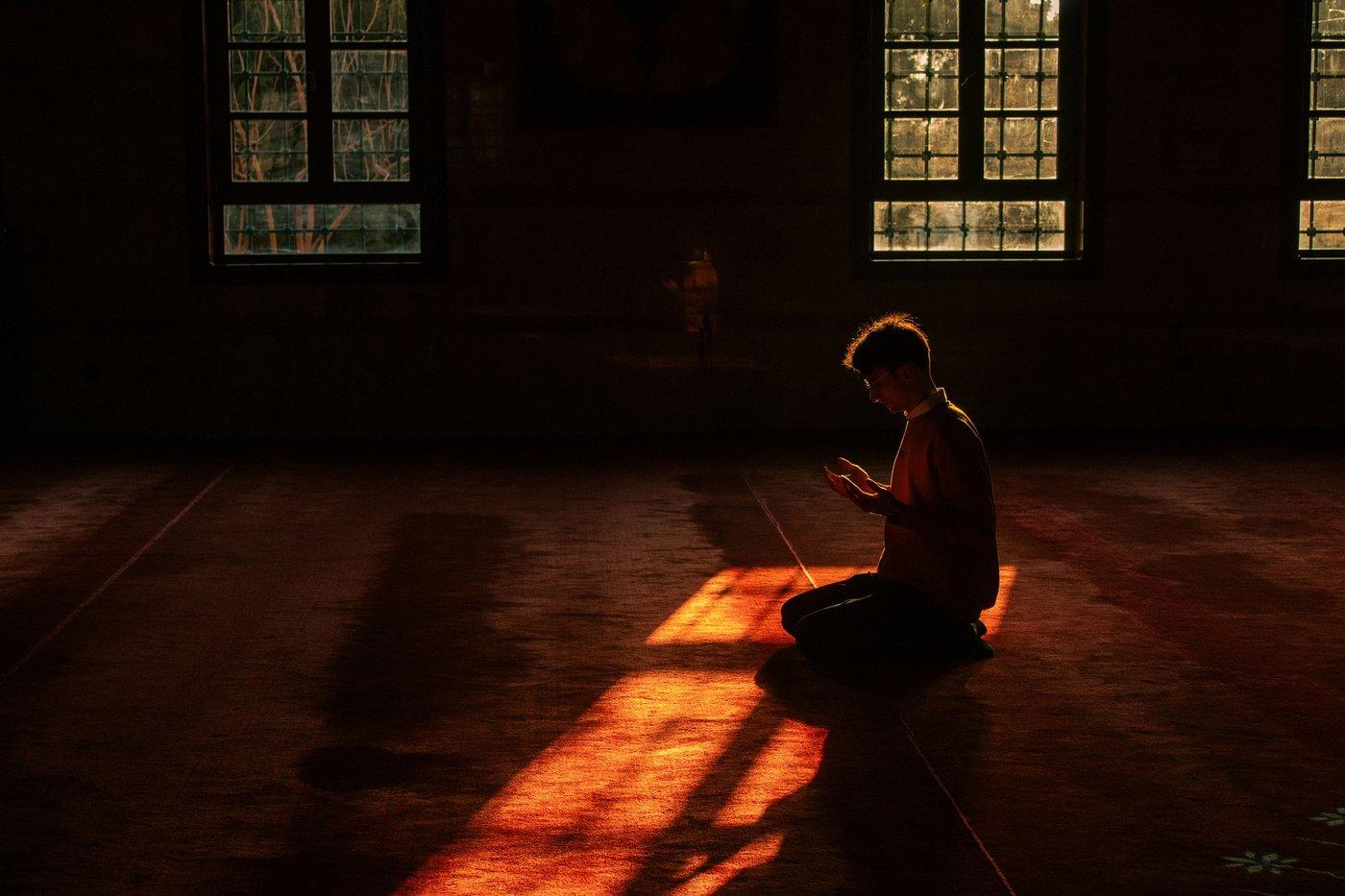
Raw export
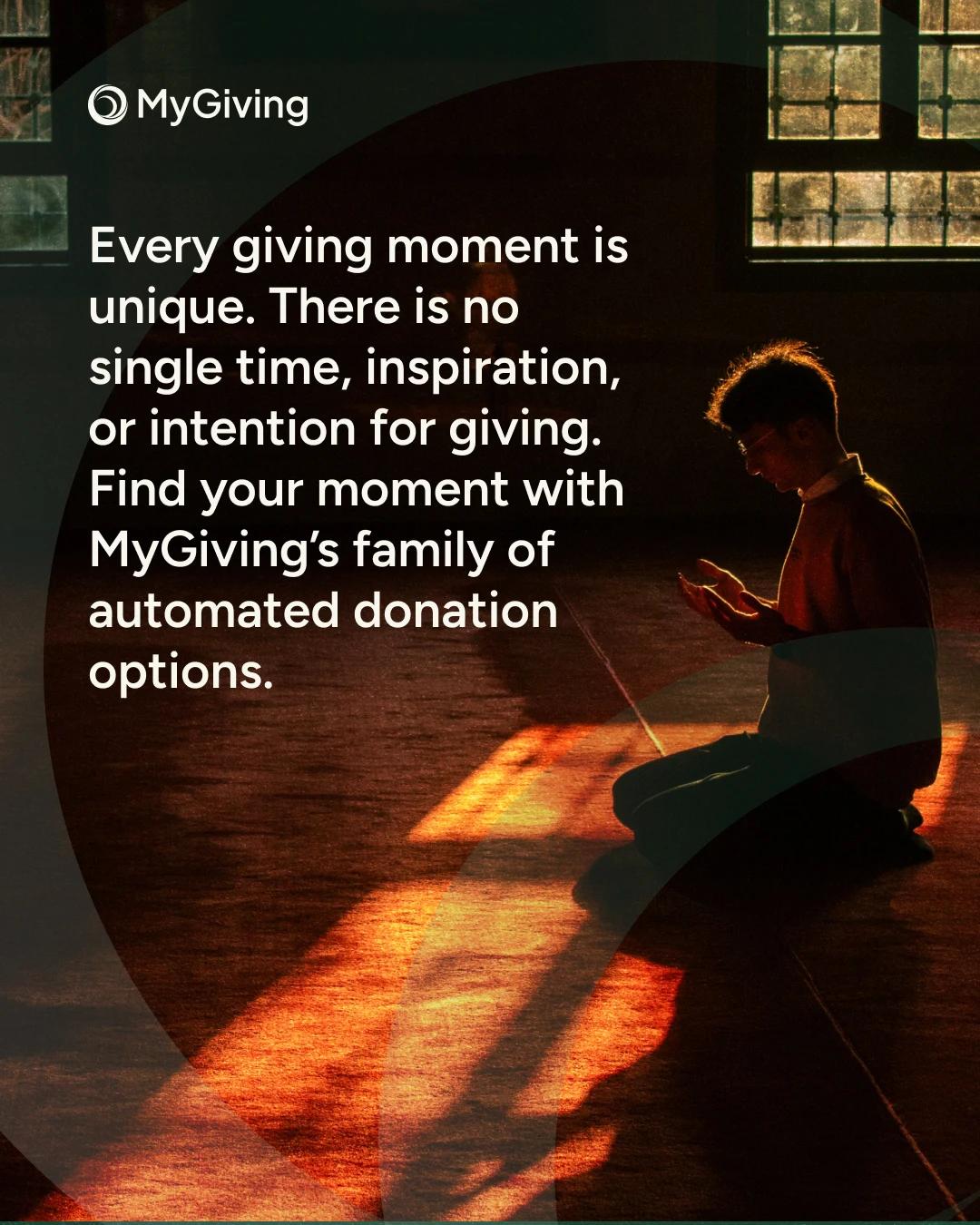
Shipped, MyGiving post
Do’s & Don’ts
ConfirmedRead directly off the pattern above, not a separate opinion.
Do: reuse one shoot across spokes
Recolour and recrop the same photo rather than sourcing a new one per spoke, confirmed against the raw export twice and on the “Coming Soon” card a third way.
Do: mask into the mark’s geometry
Circle or single quarter-arc, echoing the spiral on Logo, for any donor-moment photography.
Do: keep talent cutouts backgroundless
Individual portraits meant for the community register ship as isolated cutouts, composited later into the mark’s fan shape, never shot with their own scene.
Do: leave real impact untouched
No duotone, no mask, real colour, even under the pressure of an urgent appeal, the Gaza relief ad on Applications holds this line exactly.
Don’t: colour-treat a real person’s hardship
The spoke duotone/crop system is for the donor’s own moment. Applying it to a beneficiary or a named institution’s photo would stylise something that should stay plain.
Do: default to candid, allow to-camera for a hero moment
Most donor-moment photography turns away or looks down, but a hero moment can look straight at the lens, the “For Every Giving Moment” social reel does exactly that. Candid is the default, not an absolute rule.